
Family Mode
One screen a parent understands.
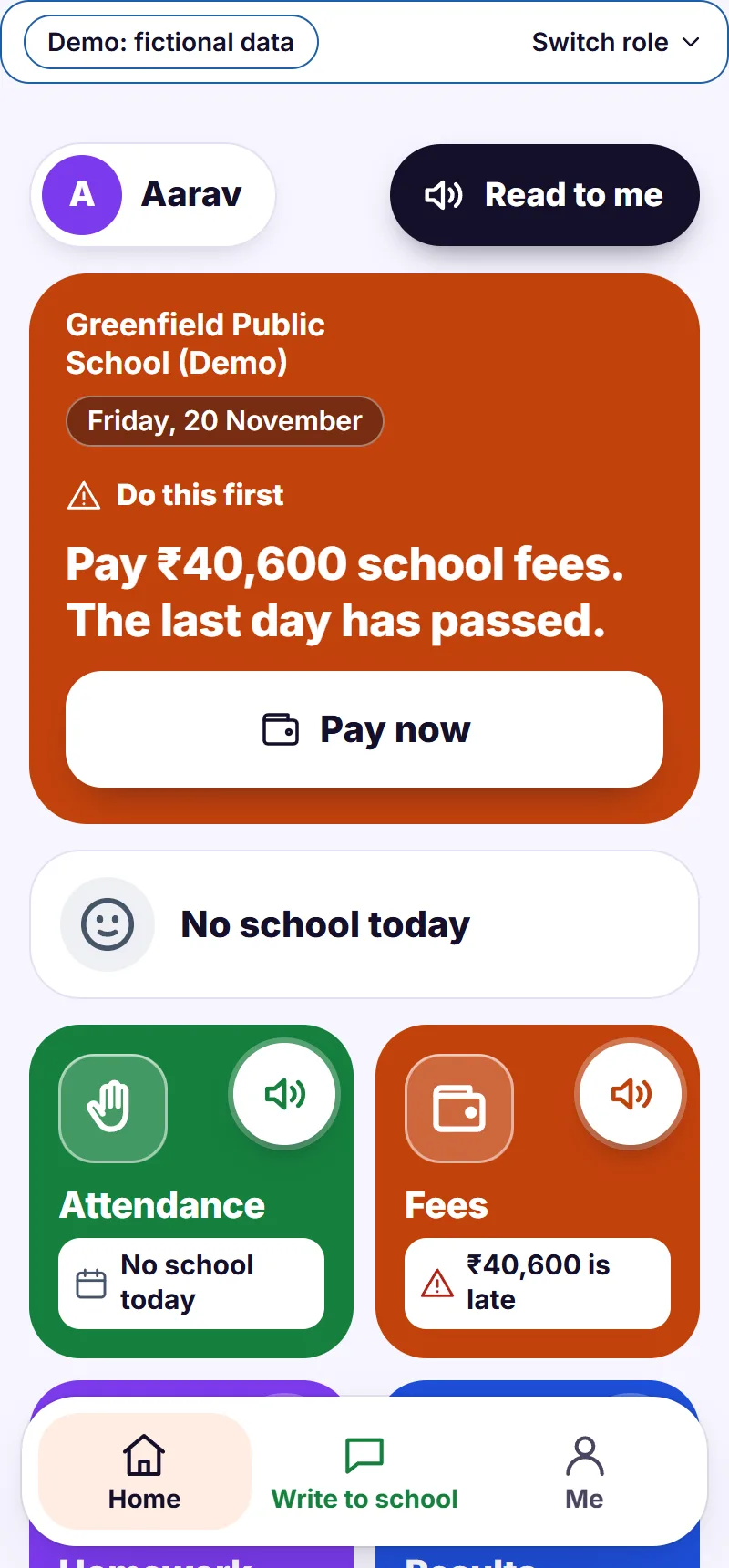
One account per family, a switcher between children, one clear next step, and attendance and homework in plain words.
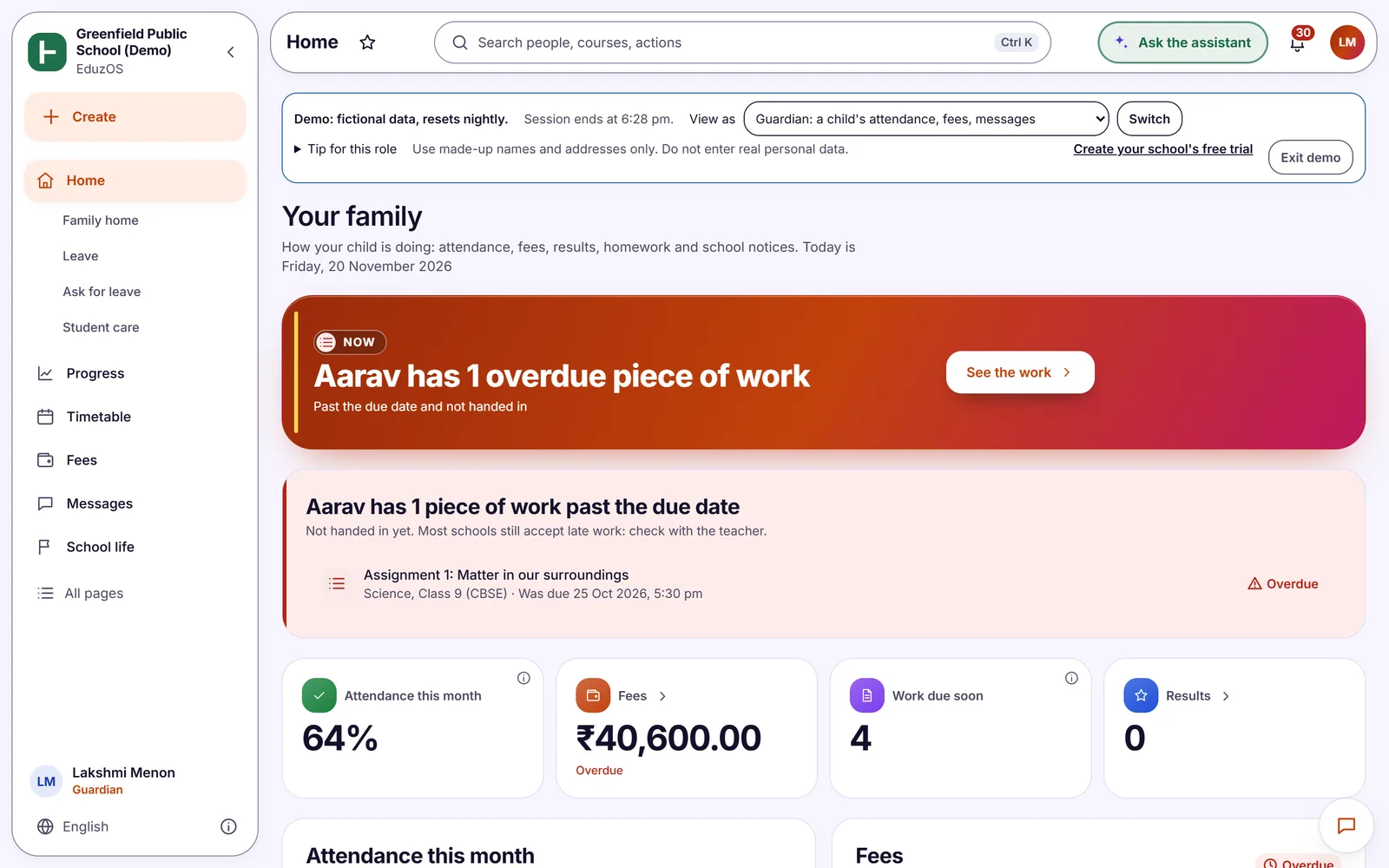
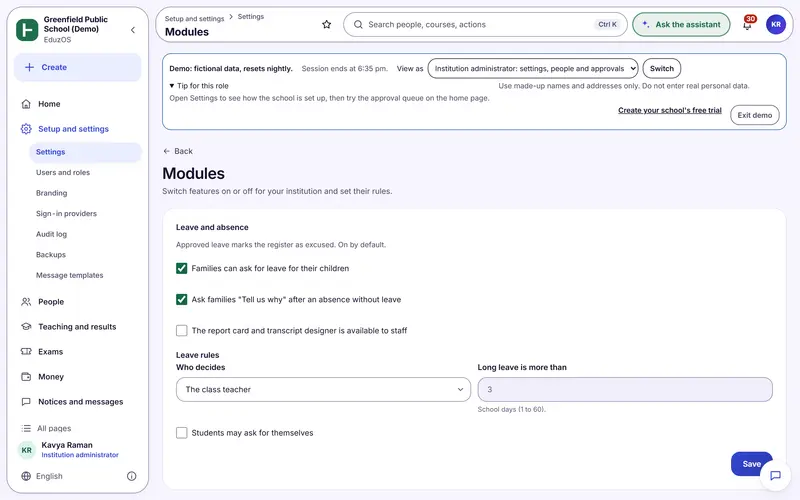
Family Mode: the screens.
EduzOS screens with fictional Greenfield School data.
SCREEN 01
Family home
Real product screen; Greenfield School is fictional.
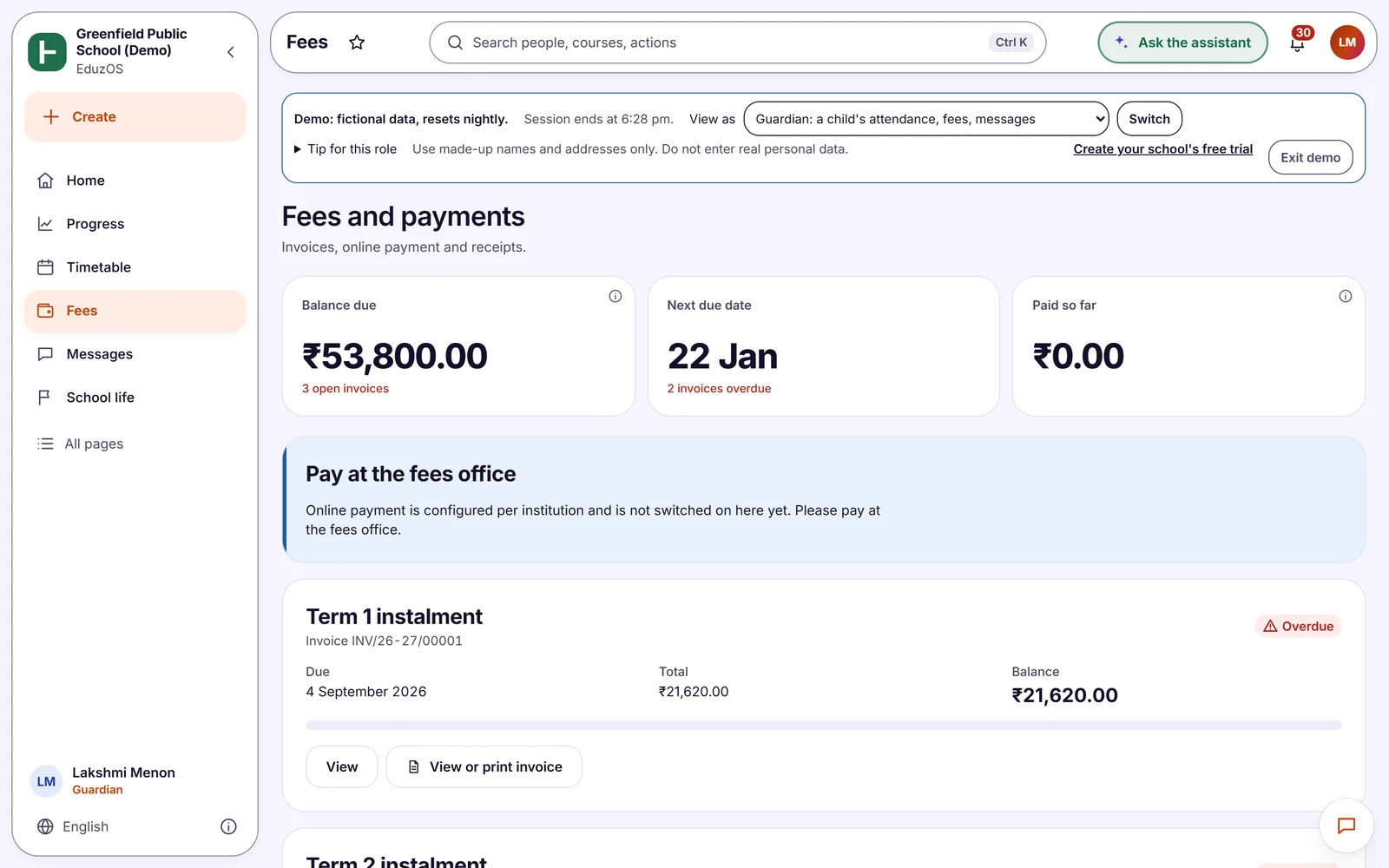
SCREEN 02
Fees
Real product screen; Greenfield School is fictional.
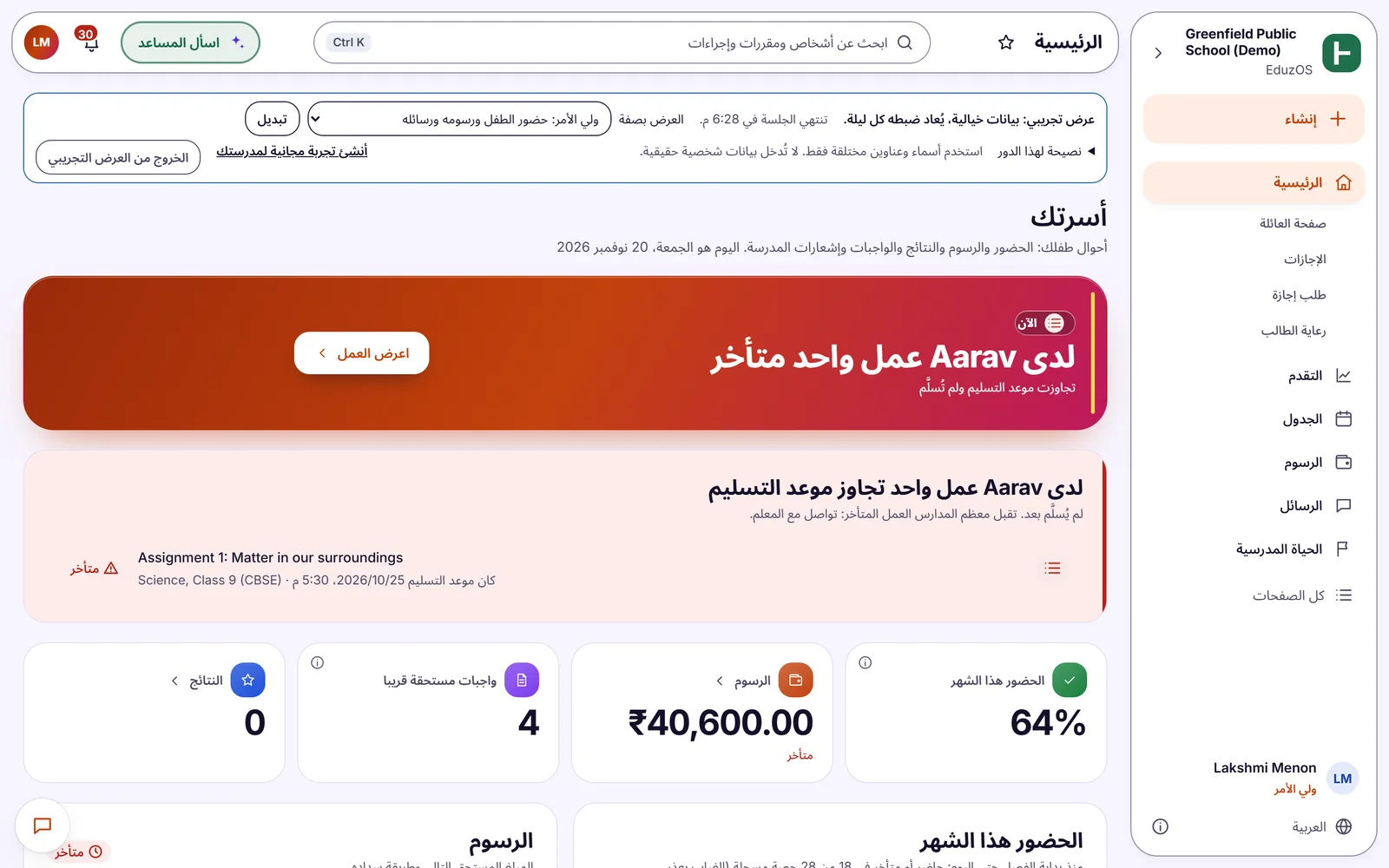
SCREEN 03
Right to left
Real product screen; Greenfield School is fictional.


What ships
What ships in this area.
5 capabilities, in the product today
Said plainly
Family Mode is available in 11 languages including right-to-left. English is the source language; the other ten are machine-translated pending native review.
One account, every child
A guardian signs in once and switches between their children.
Next-step card
The most useful thing to do right now sits at the top.
Plain attendance and homework
Whether a child is in school today and what homework is due, in everyday words.
Fees and receipts
What is due and every receipt, on the family fee pages.
Student home
Students get their own home with courses, assignments, results and timetable.
Next areas
Keep walking the campus.
Three more areas of EduzOS, each with its own screens.
See this area on demo data.
We walk through this area on demo data, with the education pack closest to yours.