
Role workspaces
Every person starts in their own room.
Thirteen role workspaces give each person the screens their job needs and nothing else, and an administrator can look at any of them with an audited View as role.

Role workspaces: the screens.
EduzOS screens with fictional Greenfield School data.
SCREEN 01
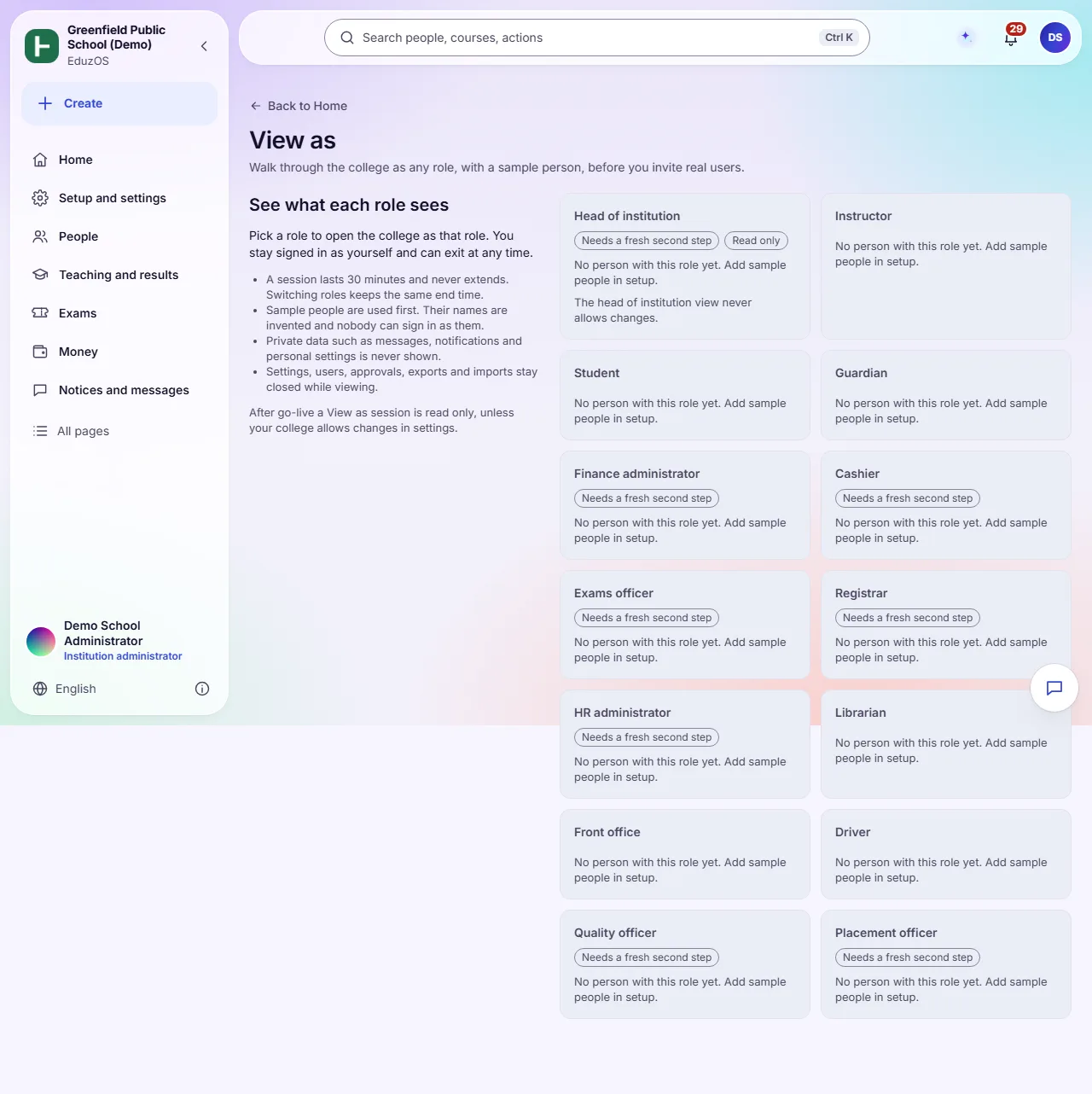
View as role
Real product screen; Greenfield School is fictional.
SCREEN 02
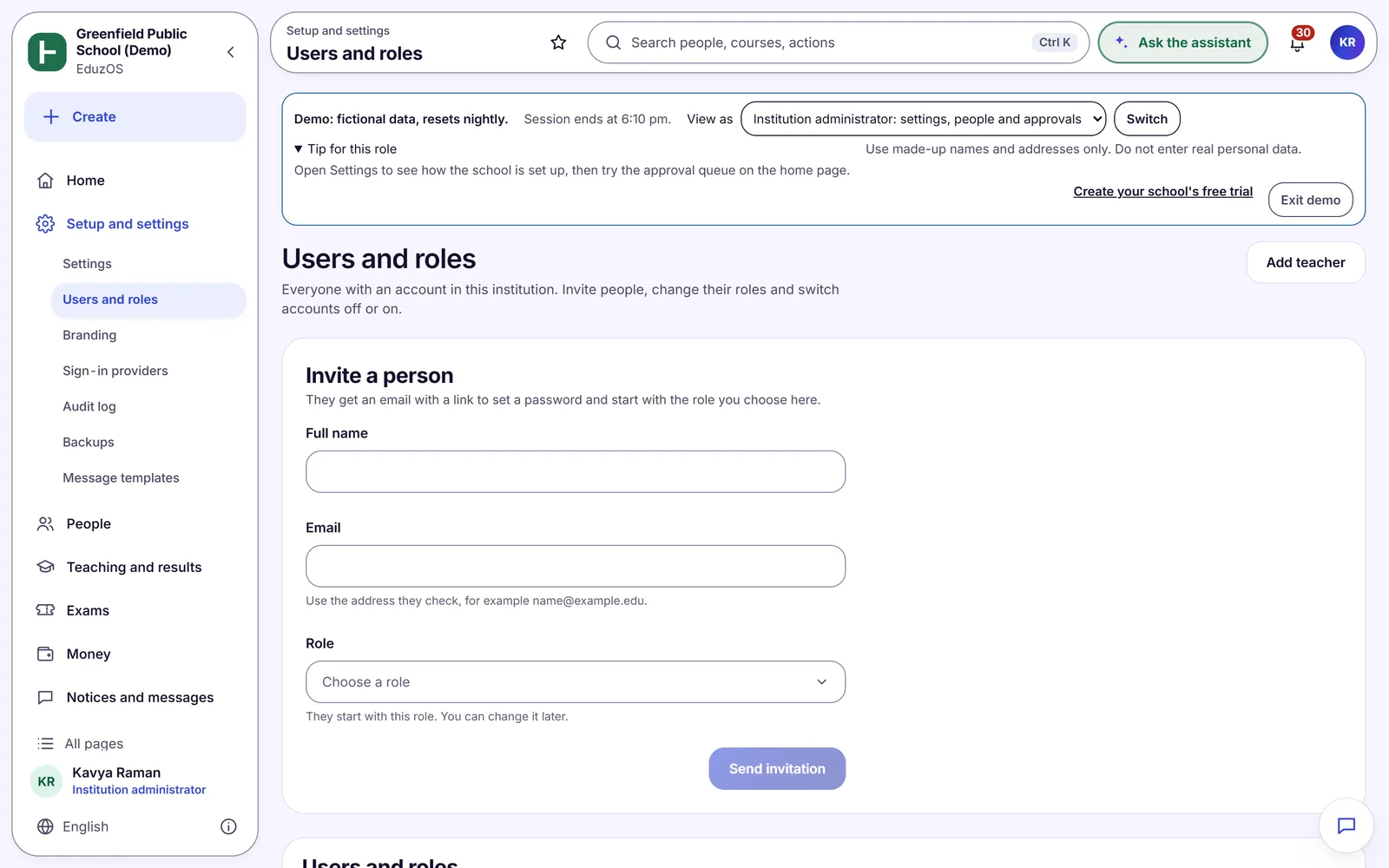
Users and roles
Real product screen; Greenfield School is fictional.

What ships
What ships in this area.
4 capabilities, in the product today
13 workspaces
Administrator, head or principal, teacher, student, guardian, finance, cashier, registrar, exams office, HR, librarian, front office and driver.
View as role
Available now. An administrator can see the product as a role does, read-only for the head, with a banner that says so. Every session is written to the audit log.
External access
Recruiters and alumni have their own narrow access, separate from staff.
Sensitive roles need two people
Granting a sensitive role takes two people, and role changes are listed in the console.
Next areas
Keep walking the campus.
Three more areas of EduzOS, each with its own screens.
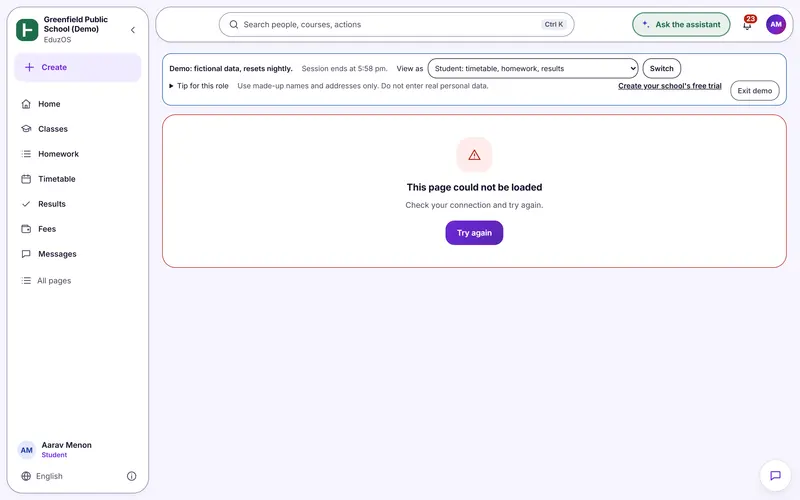
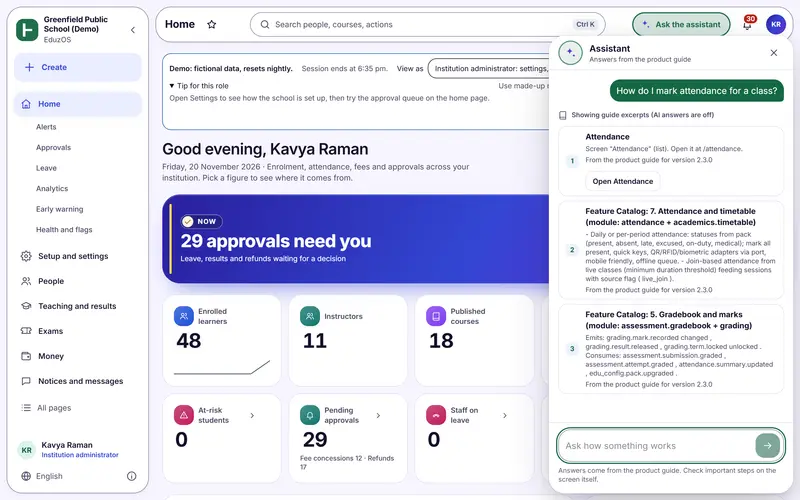
See this area on demo data.
We walk through this area on demo data, with the education pack closest to yours.