
Operations
One tool to run it.
Your operator installs, checks, backs up, restores and upgrades EduzOS with a single command-line tool, lmsctl.

Operations: the screens.
EduzOS screens with fictional Greenfield School data.
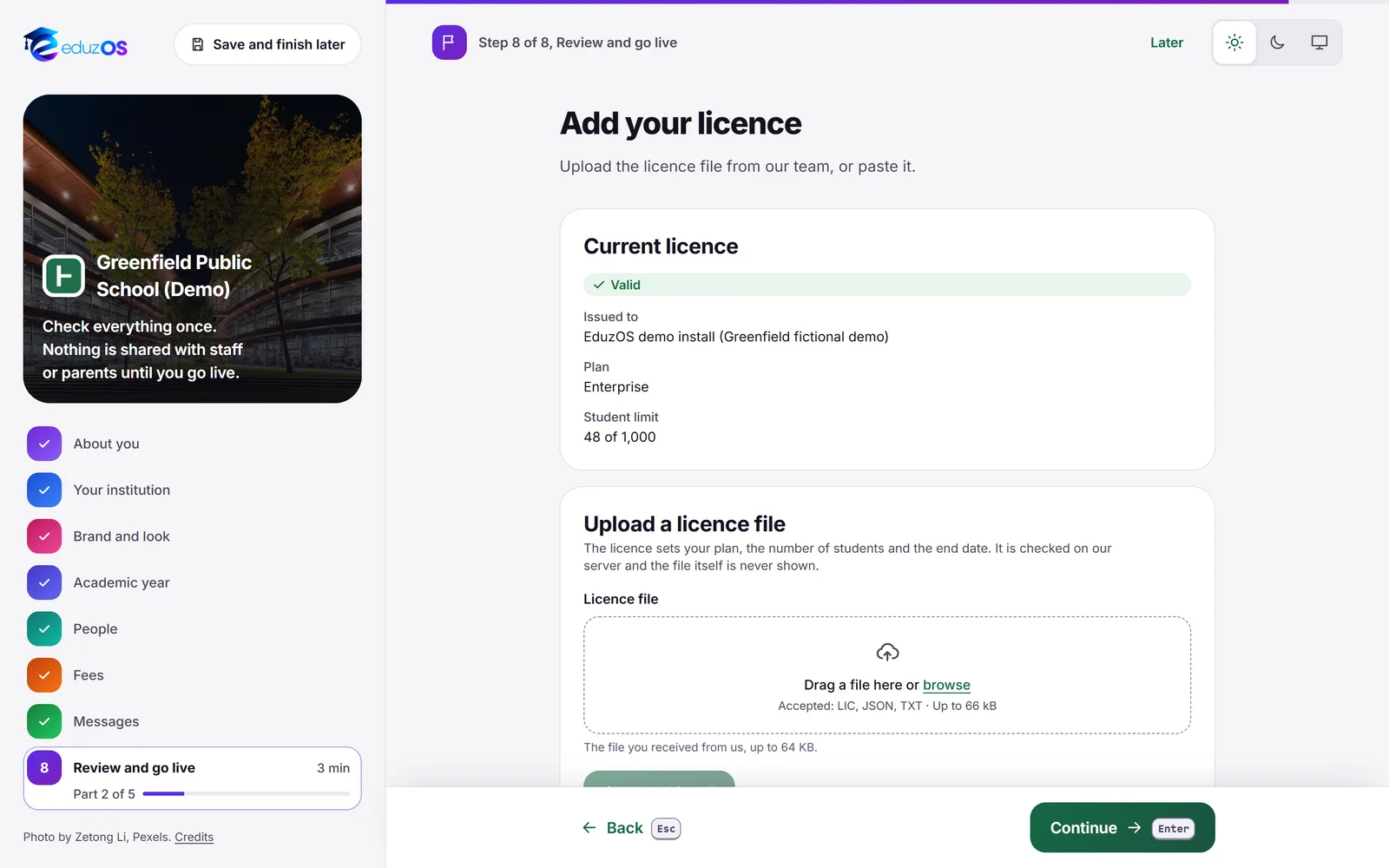
SCREEN 01
Licence
Real product screen; Greenfield School is fictional.
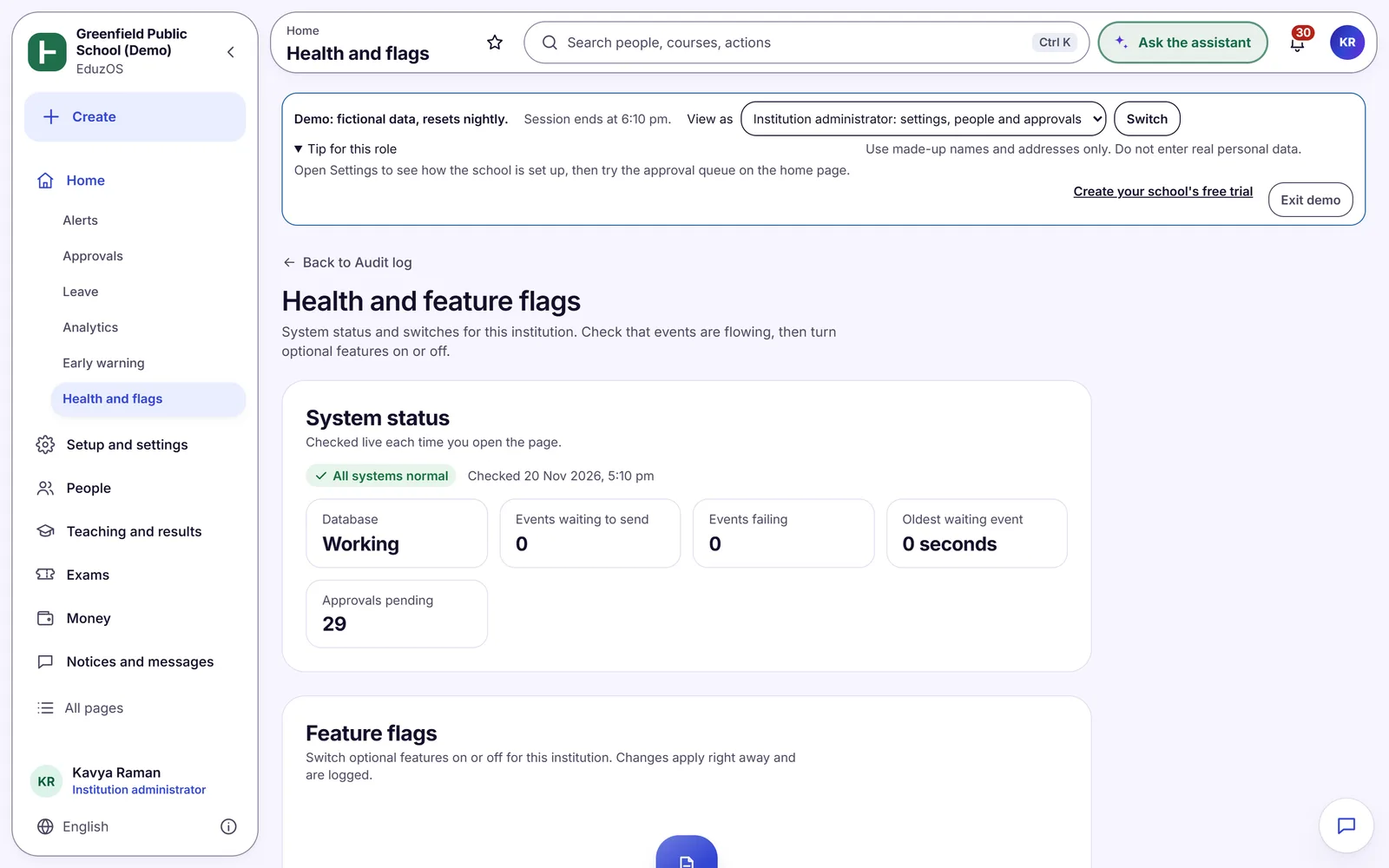
SCREEN 02
Health flags
Real product screen; Greenfield School is fictional.
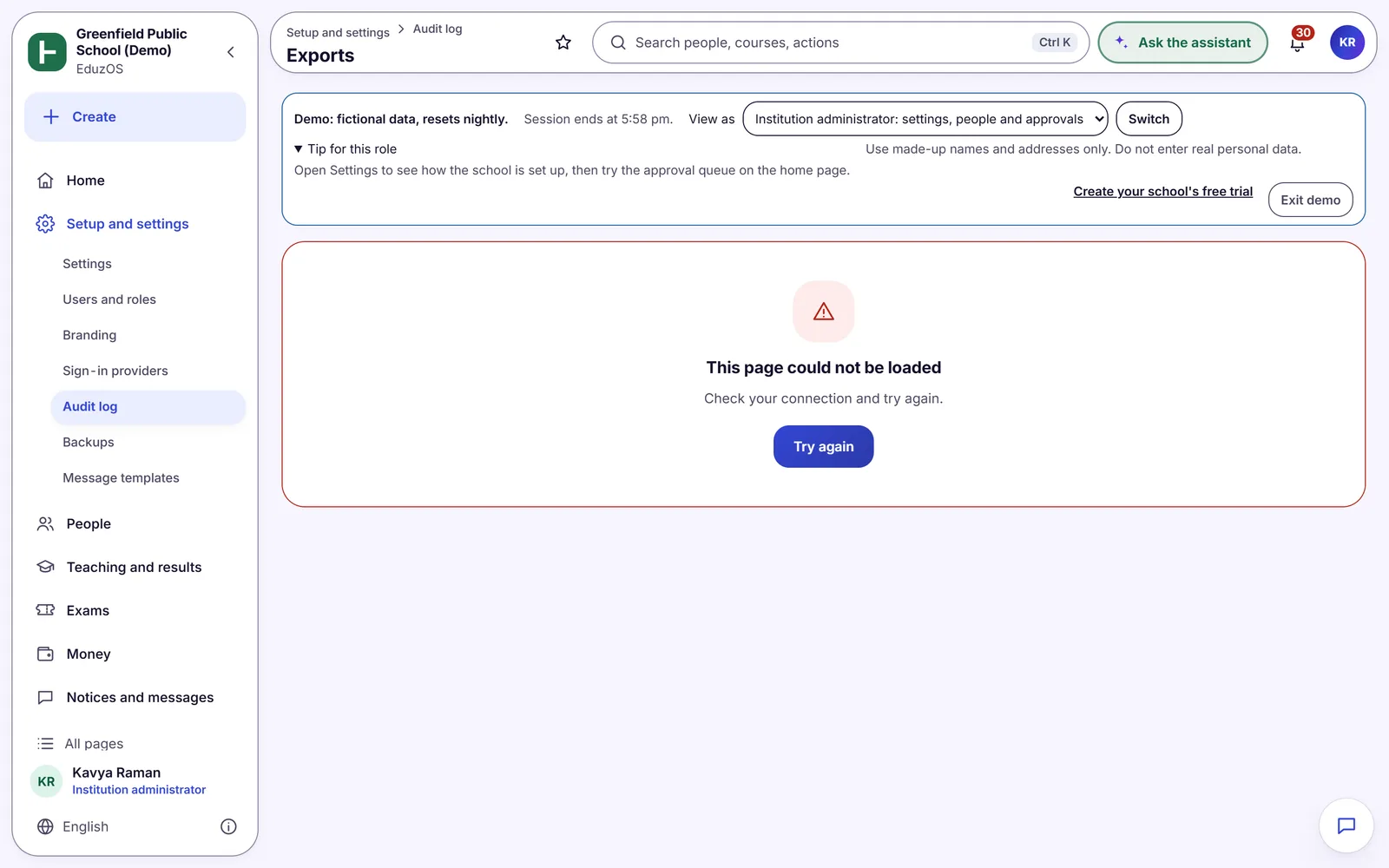
SCREEN 03
Exports
Real product screen; Greenfield School is fictional.
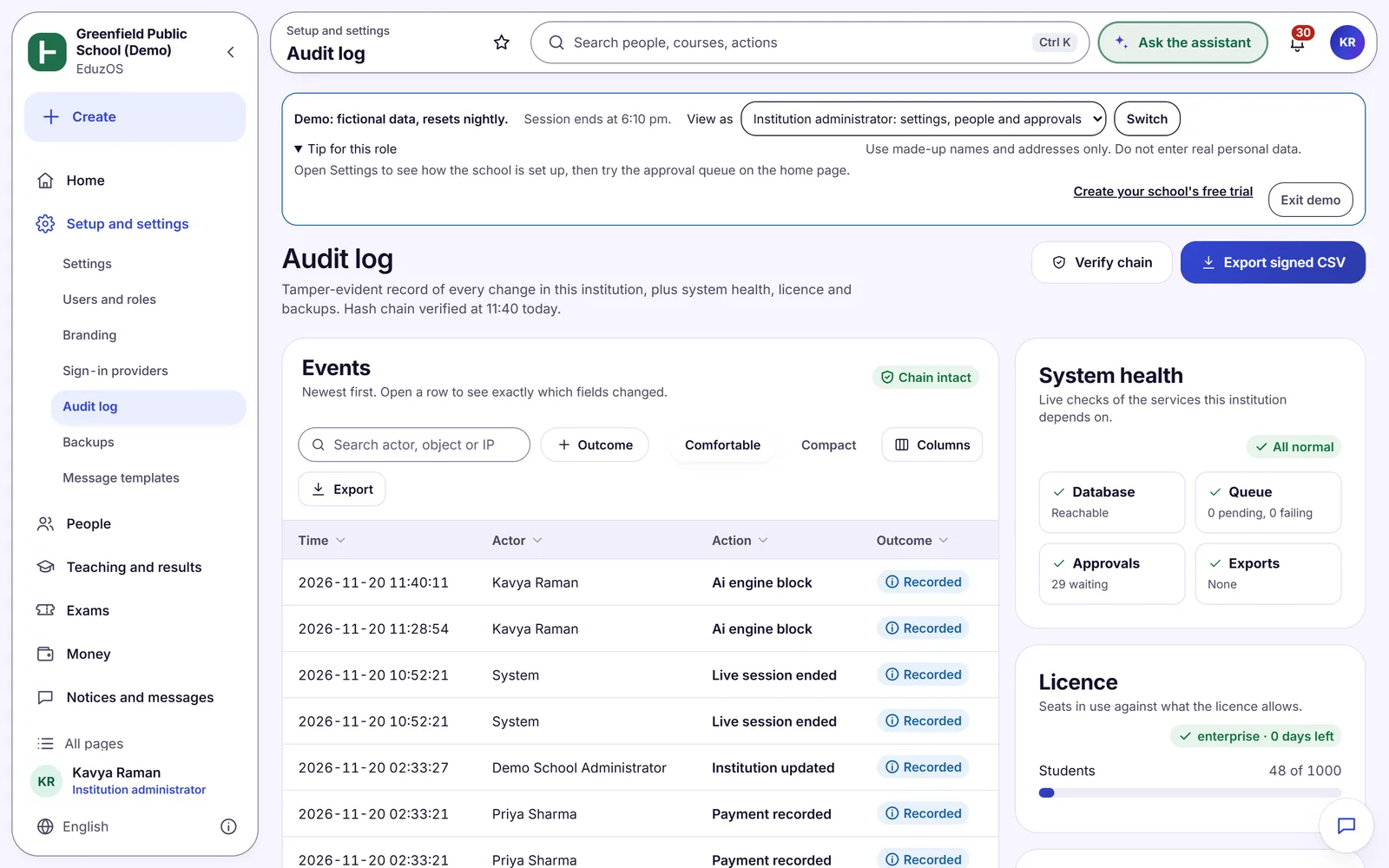
SCREEN 04
Audit log
Real product screen; Greenfield School is fictional.


What ships
What ships in this area.
5 capabilities, in the product today
lmsctl
Preflight, install, doctor, backup, restore, upgrade, status, licence, tenant, platform and support-bundle commands.
Encrypted backup, verified restore
Backups are encrypted, and a bundle is checked with lmsctl restore --verify <bundle dir> before you restore it.
Deployment files
Production Compose files and a Helm chart, with nginx, pgbouncer, Vault and ClamAV.
One licence per school
Each school installation has its own signed licence, checked offline. A new install runs the full product for a 30-day trial. If a licence lapses the install moves to a limited mode that never goes dark: reading, data export, attendance, messaging and privacy requests keep working.
Upgrade and rollback
lmsctl upgrade verifies the signed release, takes a backup you cannot skip, runs the migrations and checks the result. If a later step fails, lmsctl sets the previous version back and restarts it, and you can restore the pre-upgrade backup if the data needs to go back too.
Next areas
Keep walking the campus.
Three more areas of EduzOS, each with its own screens.
See this area on demo data.
We walk through this area on demo data, with the education pack closest to yours.