
For the principal or head
Enter it once. Everyone sees their part.
For heads who want teachers teaching instead of copying data between tools, and one queue for the decisions that need them.

Three moments
Three moments at Greenfield School.
Illustrative situations for the principal or head, and what you can do in each.
Greenfield School and its people are fictional.
08:24. The class teacher marks 7B.
That one register builds the office absent list, updates attendance for the day and tells a parent their child is in school.
Uses: Per-session attendance
A learner starts slipping.
Early warning scores flag who may need support. They are advisory only: your staff decide what happens next.
Uses: Early warning
Twelve things are waiting for you.
Leave, fee concessions and refunds sit in one approvals queue on your home screen.
Uses: Approvals
Benefits
What you get.
Less re-entry
Attendance, marks and results are recorded once and reused for report cards and transcripts.
One sign-in
13 built-in roles, each seeing its own part.
Families in the loop
Family Mode shows attendance and homework in plain words.
Your reports
A report builder for the questions only your school asks.
Areas you will use
The screens behind it.
Each area has its own page of real screens.
Teaching and learning
Courses, assignments, online exams, gradebook and attendance.
See the screens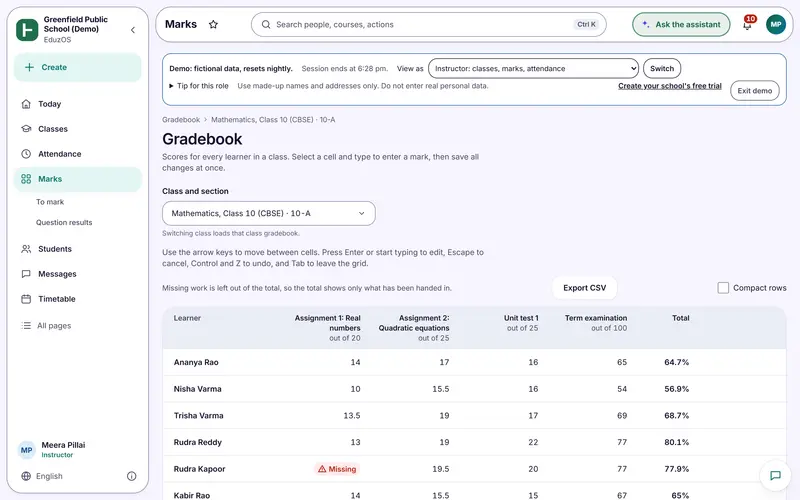
Family Mode
A parent view in plain words, in 11 languages (10 machine-translated, native review pending).
See the screens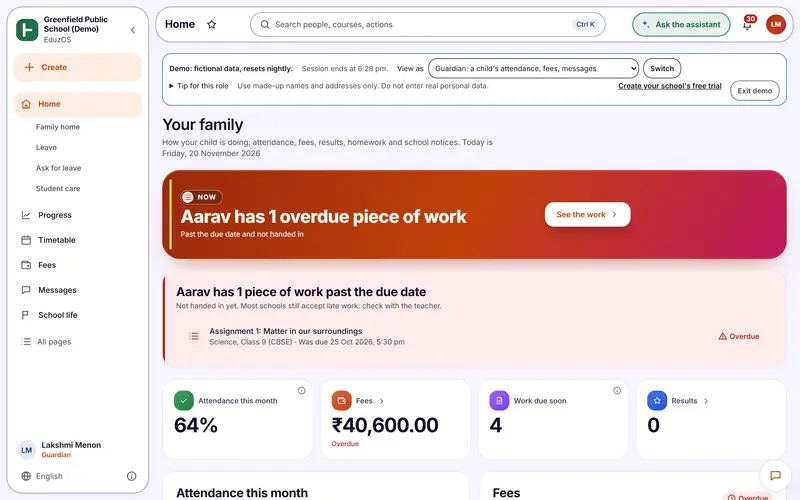
Messages and notices
Messages, announcements and role-aware notifications.
See the screens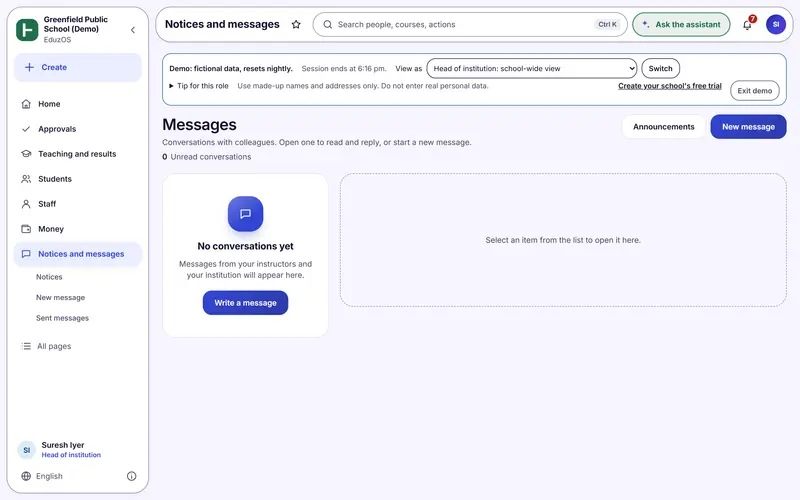
Before you decide
Questions worth asking us.
Bring these to the demo and we will answer them on demo data.
- Can we see it on demo data with the education pack closest to ours?
- How do teachers mark attendance and homework?
- What do parents actually see?
See it on demo data.
Send a short enquiry and our sales team will reply to your work email.